# How to Organize Receipts on Your iPhone Without Using Cloud Storage
Receipts are easy to collect but surprisingly difficult to manage. Whether you're tracking personal expenses, preparing for tax season, or keeping warranty documents, paper receipts tend to pile up quickly.
Many people take photos of receipts and leave them scattered across their Photos library, making it difficult to find the right one months later.
Fortunately, organizing receipts on your iPhone is much easier when you use a structured approach.
## Why Organizing Receipts Matters
Keeping receipts organized can help you:
- Track your daily spending
- Prepare for taxes
- Keep proof of purchase
- Manage product warranties
- Find receipts instantly when needed
A well-organized receipt archive saves time and reduces unnecessary paperwork.
## Digitize Your Receipts
Instead of storing paper receipts in drawers or folders, scan them using your iPhone.
Digital receipts are easier to search, sort, and back up if necessary.
Modern OCR technology can recognize information such as:
- Merchant name
- Purchase date
- Purchased items
- Tax amount
- Total price
This eliminates the need to enter information manually.
## Keep Your Financial Data Private
Many receipt management applications upload receipt images to cloud servers for processing.
If privacy is important to you, consider using an application that performs OCR directly on your device instead of sending personal financial information to external servers.
Local processing helps ensure that your receipt data remains under your control.
## Categorize Your Expenses
Organizing receipts by category makes future searches much easier.
Common categories include:
- Groceries
- Restaurants
- Travel
- Healthcare
- Electronics
- Office Supplies
Categorization also provides better insights into your spending habits.
## Export When Needed
For accounting, tax preparation, or reimbursement requests, exporting receipts as PDF or CSV files can save significant time.
Professional reports are also useful for freelancers and small business owners.
## A Practical Solution
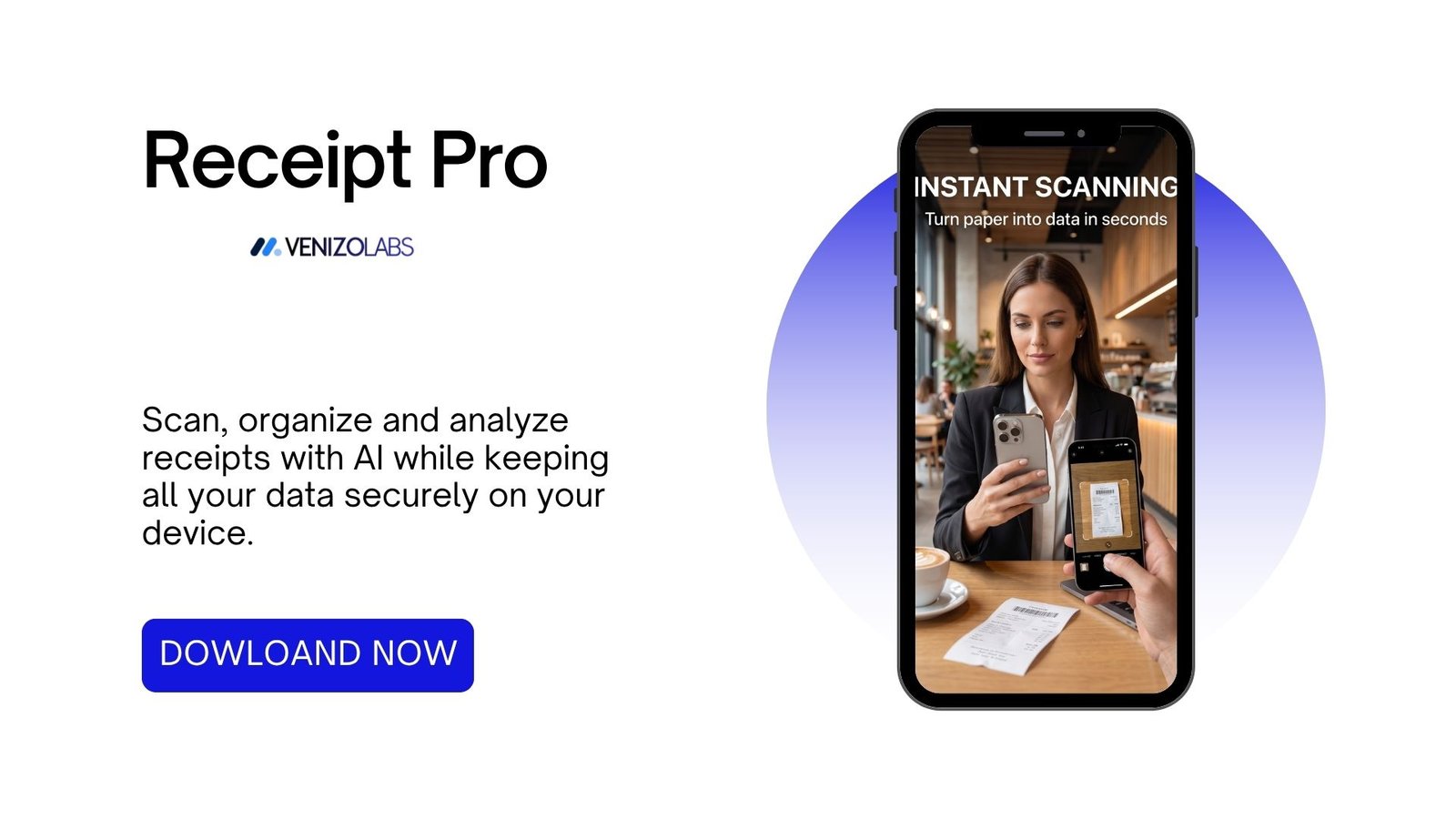
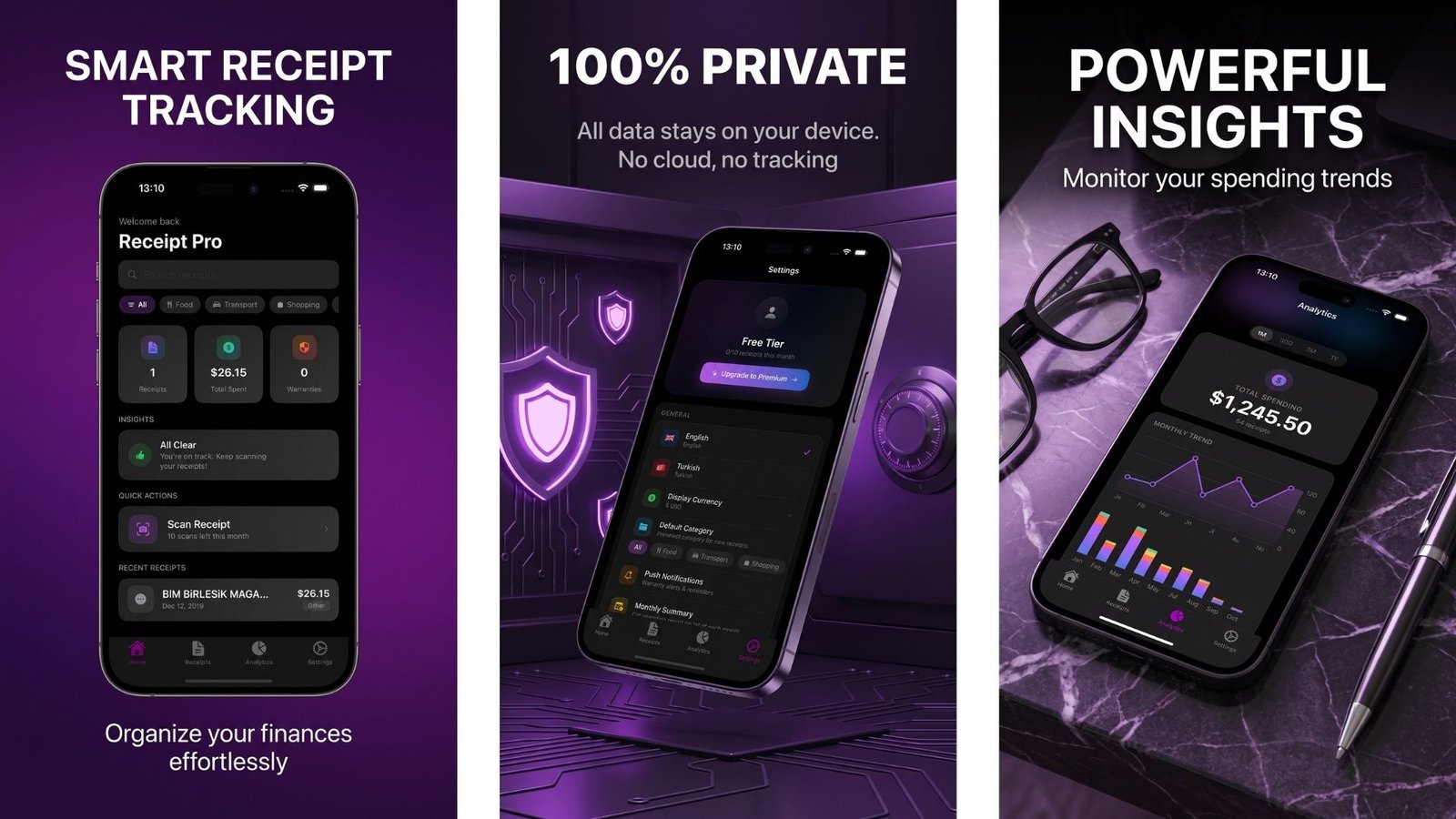
If you're looking for a privacy-focused way to organize receipts on your iPhone, Receipt Pro combines OCR, AI-powered categorization, expense analytics, warranty tracking, and local data storage in a single application.
Unlike many cloud-based alternatives, Receipt Pro keeps receipt processing entirely on your device.
You can learn more about Receipt Pro here:
https://venizolabs.com/en/p/receipt-pro
Download on the App Store:
https://apps.apple.com/tr/app/receipt-pro-receipt-scanner/id6787925269
## Final Thoughts
The best receipt management system is one that you will consistently use.
Whether you're managing personal finances or business expenses, organizing receipts digitally makes them easier to search, safer to store, and quicker to retrieve when needed.